-

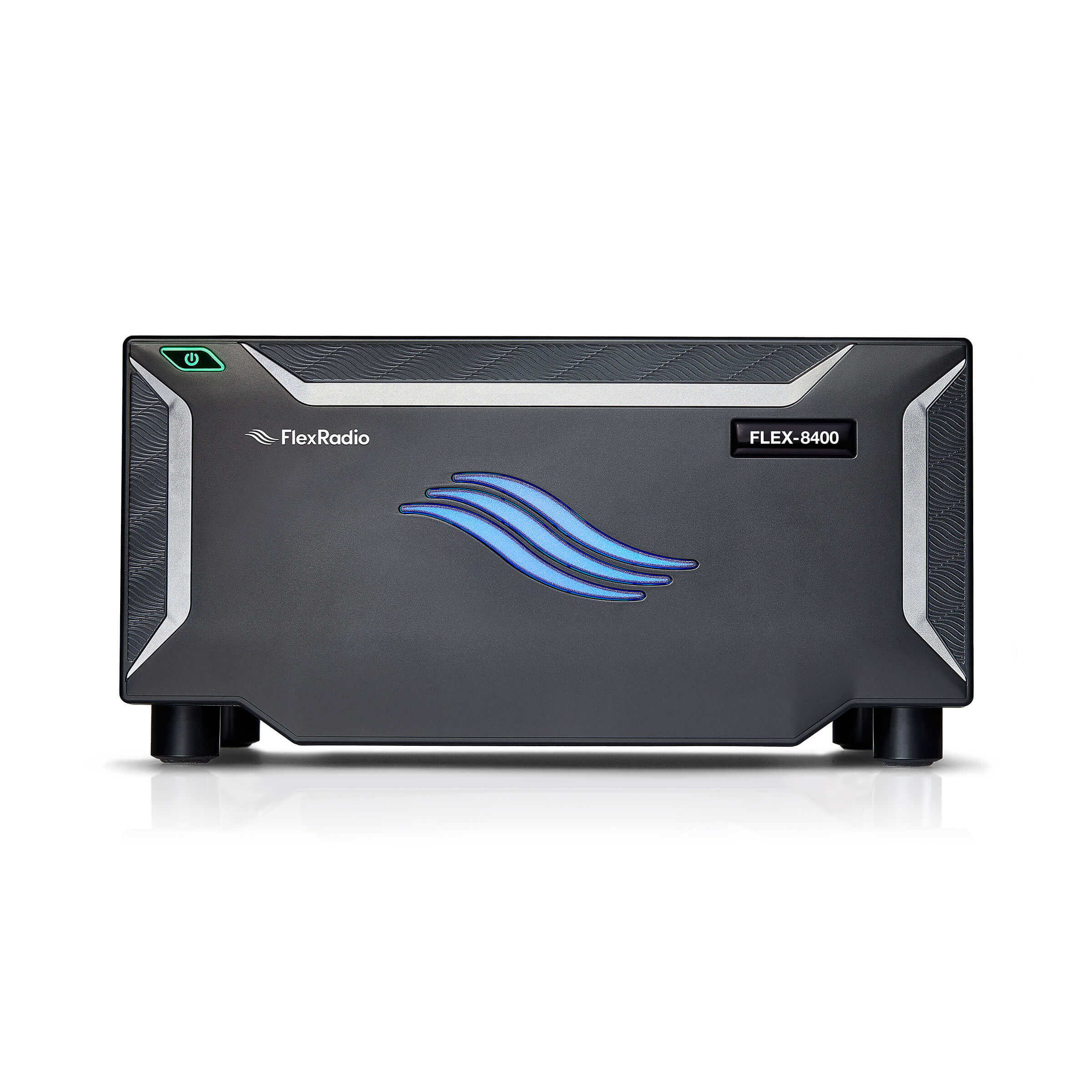
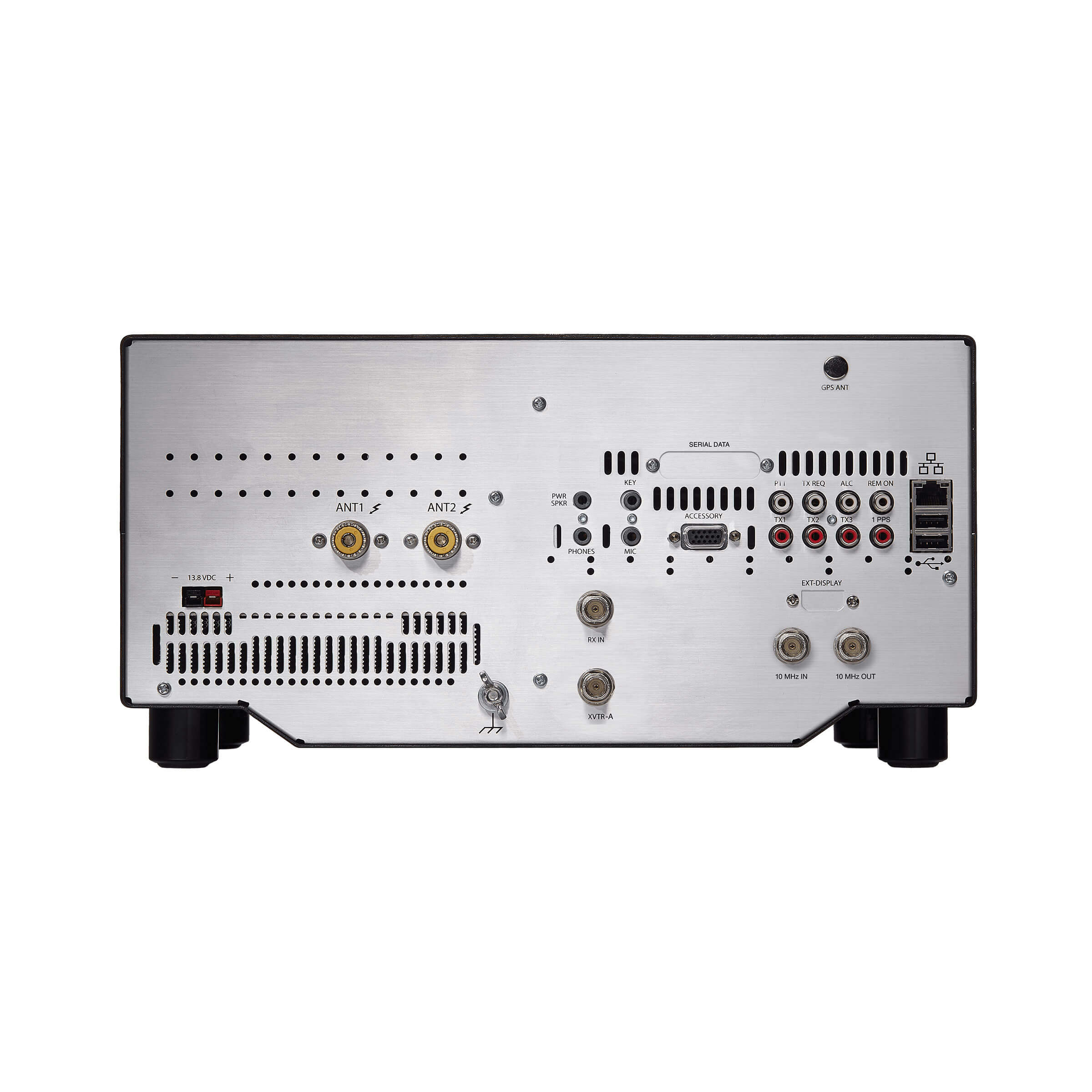
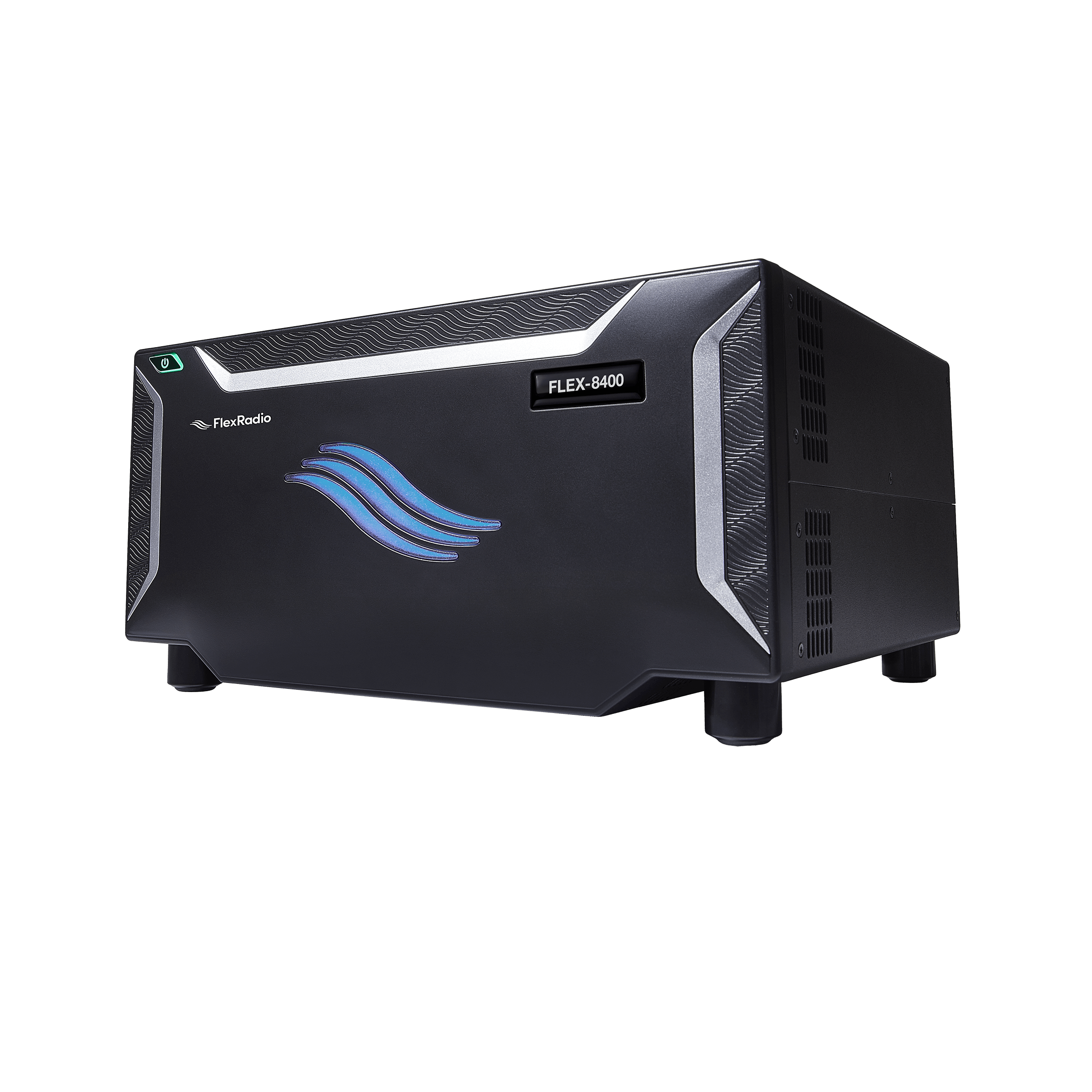
FLEX-8400
-
FHM-3 Hand Mic
-
DC Power Cable
-
Ethernet Cable
-
Quick Start Guide
-
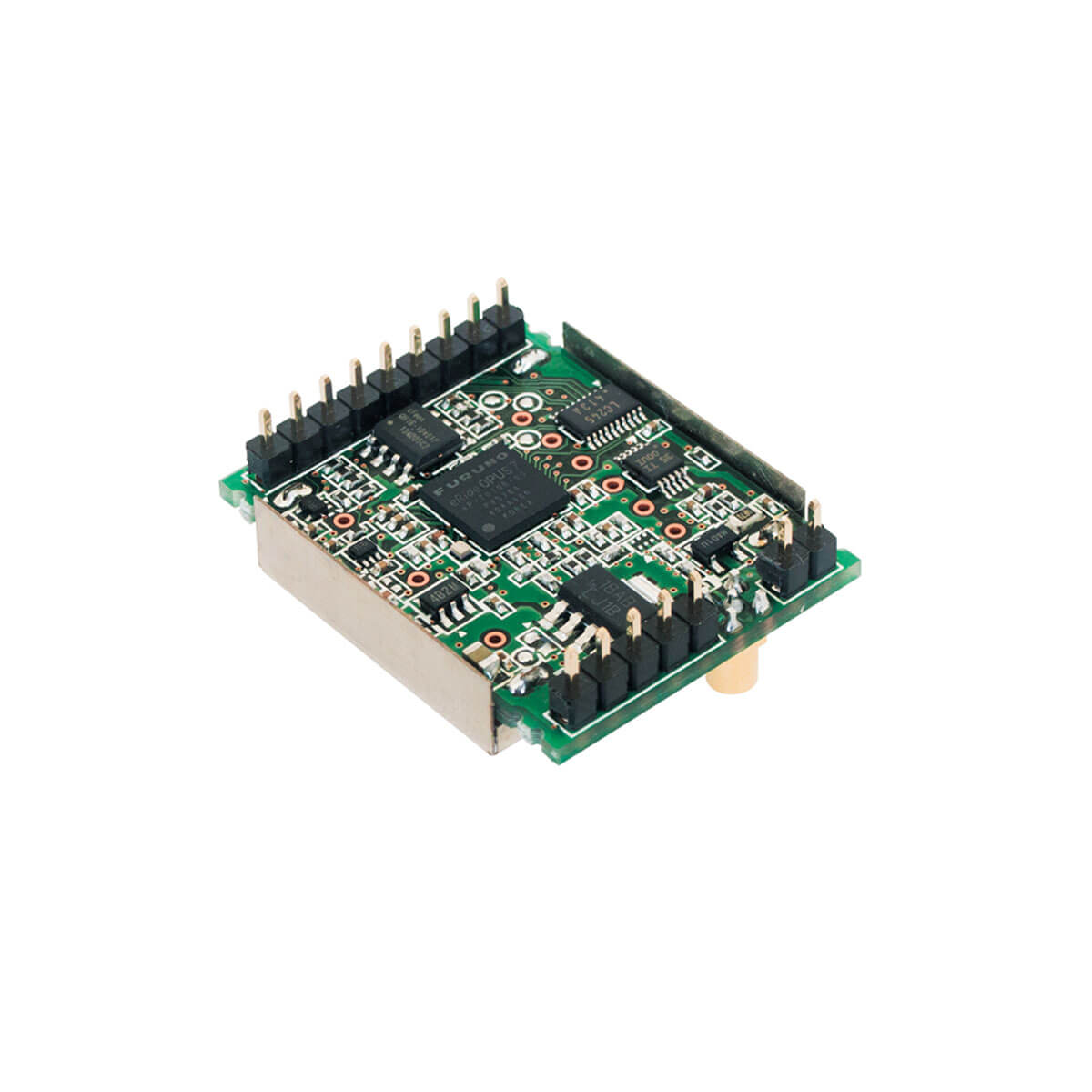
GNNS/GPS Antenna
All Radios
Ships in ~4 weeks after placing your order
FLEX-8400 SDR Transceiver
MSRP: $2,499.00 $2,499.00
MSRP:
Your First HF Radio Should Make FT8 Feel Effortless
The FLEX-8400 gives new hams a wide open window into HF, direct sampling SDR performance built in, at a price that makes getting started make sense. No sound cards. No cable chase. No guessing.
Made for the Mode Everyone’s Talking About
FT8 has become the way most new hams make their first contacts. It doesn’t require Morse code skill, and it works even when conditions are marginal. Because the FLEX-8400 is a direct sampling SDR, digital modes run straight through the radio’s own audio path, no external sound card, no extra cables, no levels to fuss with. Open SmartSDR, click a signal on the waterfall, and you’re decoding. Your first FT8 contact can happen the same day the radio arrives.
And it’s just as capable everywhere else you’ll want to operate. Legendary FlexRadio transmit audio and 115 dB RMDR keep SSB clean and readable, full break in QSK CW and ultra low phase noise give CW operators the fast, quiet keying they expect, RTTY runs through the same clean digital path with brick wall filtering for crowded contest bands, and if you want to try RADE, the newest digital voice mode from the FreeDV project, this radio’s clean receiver and native digital audio path make it a great platform for that too.
What this means in practice
See the whole band at once on the waterfall display, so you can spot activity visually instead of scanning blind
Click directly on a signal to tune to it, no dial spinning required
The radio’s clean receiver front end (115 dB RMDR) means a strong nearby station won’t bury the weak one you’re trying to work or decode, on any mode
Digital modes run straight through the radio’s own audio path, so there’s nothing extra to buy or plug in
New to the hobby? You don’t need a wall of boxes or a technician’s toolkit to get this radio on the air.
Plug in power, connect Ethernet, load SmartSDR (it’s free), and you’re transmitting. SmartSDR is the software that becomes your radio’s front panel, it shows you the band, your signal, and every control, right on your screen. There’s no separate hardware interface to learn first.
Performance That Grows With You
Direct Sampling SDR (122.88 Msps, 16 bit): The radio digitizes the entire HF band at once rather than tuning to one frequency at a time, which is what gives you the full band waterfall view
115 dB RMDR (Reciprocal Mixing Dynamic Range): In plain terms, this is what keeps a loud station down the band from drowning out a weak one you’re trying to work, especially useful during contests or crowded FT8 windows
Brick wall filters: Sharp digital filtering that lets you isolate one signal cleanly, even in a packed band, without static bleeding in from next door
Two independent receivers: Listen to two bands or modes at once, useful once you start chasing DX or checking a second band while you work FT8 on the first
100W output, all modes, all HF bands plus 6m: Room to grow into SSB, CW, and contesting whenever you’re ready, without needing new hardware
Operate from Anywhere!
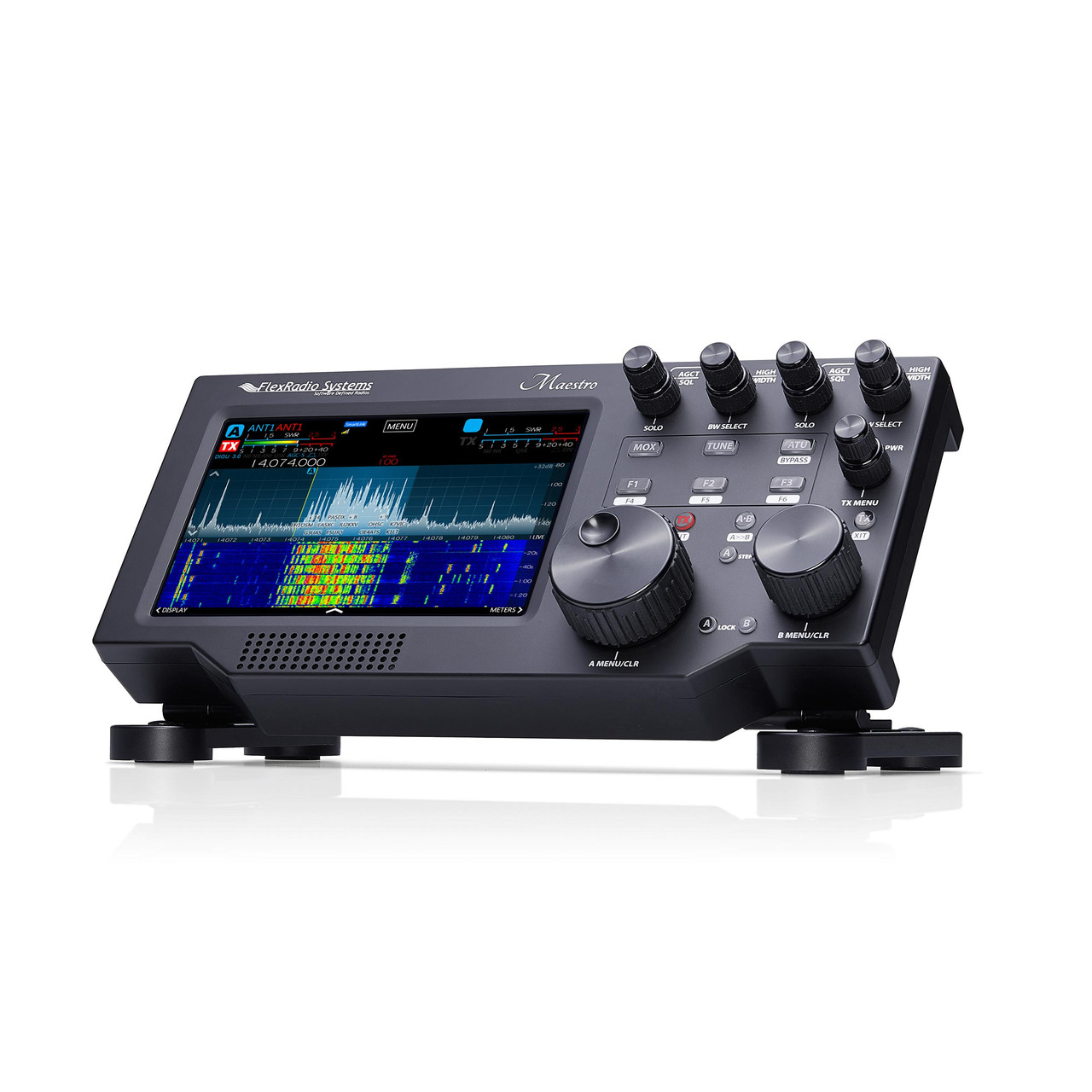
With SmartLink, your shack goes wherever you go. Log in from a laptop, iPad, iPhone, or the Maestro control console and your radio responds like you’re sitting in front of it, whether you’re across town or across the world. No port forwarding, no network setup, just a login and a connection.
(StarLink and CGNAT ISPs may require customization – talk to your ISP)
*Mac OSX SmartSDR and iOS SmartSDR clients are provided by third-party vendors