All Accessories
See information below
WiFi Network Bridge for Wireless Radio Connectivity
MSRP: $49.99 $69.99
MSRP:
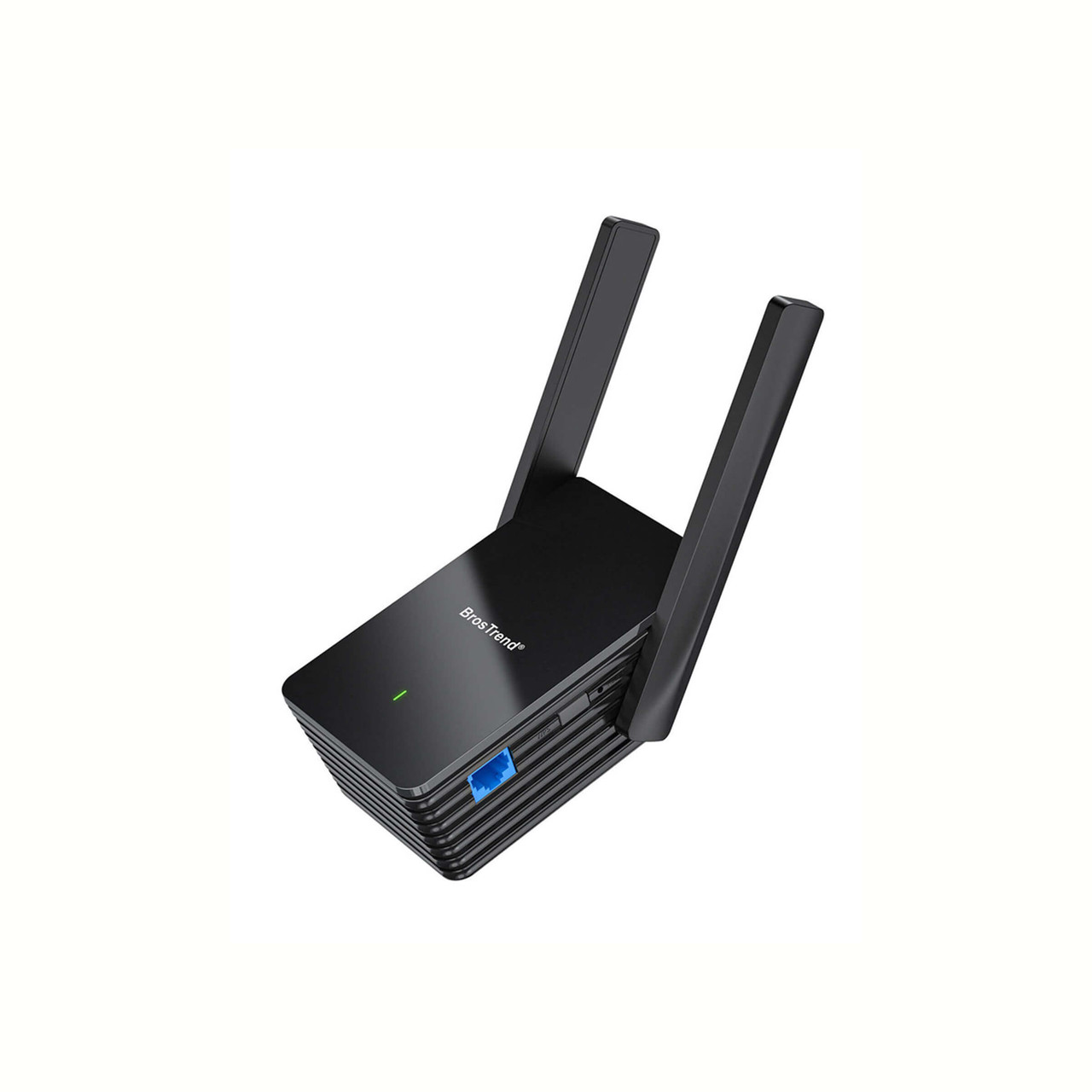
See information below
Updated product information:
This device is for the purpose of connecting a FlexRadio to a wireless network when it is not possible to connect the radio directly to the router with a physical Ethernet cable.
FlexRadio no longer sells a WiFi Ethernet adapter, however we have tested the BrosTrend AX1500 Dual Band WiFi-6 Range Extender & WiFi to Gigabit Ethernet Adapter.
This device is available from Resellers world wide such as Amazon.
- Follow the instructions for Method 1 (instructions included with product)
- Move the AX1500 near your Radio and plug into wall
- Plug LAN cable into back of your FlexRadio and to the connector on the side of the AX1500.
- Wait 2 minutes and your radio should show in your Radio Chooser.
Technical support is available from the Manufacturer. FlexRadio does not provide any technical support for this device.


